- Introduction
- 首页
- 云之家OAuth2.0说明
- OAuth2.0授权协议
- 根据管理员账号信息获取资源授权密钥
- API调用频率限制
- 网关错误码对照表
- 云之家登录功能
- 云之家扫码登录
- 轻应用获取用户身份流程
- 轻应用接入与开发指南
- 轻应用接入流程
- 轻应用创建指南
- 轻应用开发指南
- 外出登记Demo开发
- 常见问题
- 通讯录开放能力
- 轻应用获取通讯录信息
- 新版通讯录同步接口
- 通讯录事件回调
- 生态圈开发者接口
- IM开放能力
- 公共号消息处理
- 待办消息处理
- 群组开放能力
- 群组机器人
- 移动端APP开放能力
- JS-API
- UI
- 页面跳转
- 多媒体
- 设备能力
- 人员与组织
- 消息
- 身份验证
- 业务服务开放能力
- 智能考勤
- 智能审批
- 报表秀秀
- 时间助手
- 智能会议
- 专有云相关
- iOS 专有云
- 更多
- 旧版开发文档
- 旧版JS桥文档
- 旧版组织与人员同步接口
更新日期:
浏览次数:
1. 群组机器人
1.1. 群组机器人是什么
可以将企业所需要的自定义消息,如系统运维监控通知、日常运营数据等行为通知推送到指定群组。
1.2. 如何设置群组机器人
在终端某个群组添加机器人后可以获取到一个webhook地址,开发者使用该地址发起HTTP POST请求,即可实现向该群组发送消息的请求。
*注:为确保企业信息安全,仅群组管理员可向自己管理的群内添加机器人。
1.3. 自定义机器人消息格式是怎样的
获取到 Webhook 地址后,用户可以使用任何方式向该 Webhook 发起 HTTP POST 请求,即可实现给该群组发送消息。
1.3.1. 机器人文本类消息体 (JSON)格式如下
{
  "content": "Hello world!"  // 必填
}
示例:
curl -X POST -H "Content-Type: application/json" -d '{"content": "Hello world!"}' 'https://yunzhijia.com/gateway/robot/webhook/send?yzjtype=0&yzjtoken=xxxxxxxxxxxxxxx'
效果:

1.3.2. 机器人应用类的消息体 (JSON)格式如下
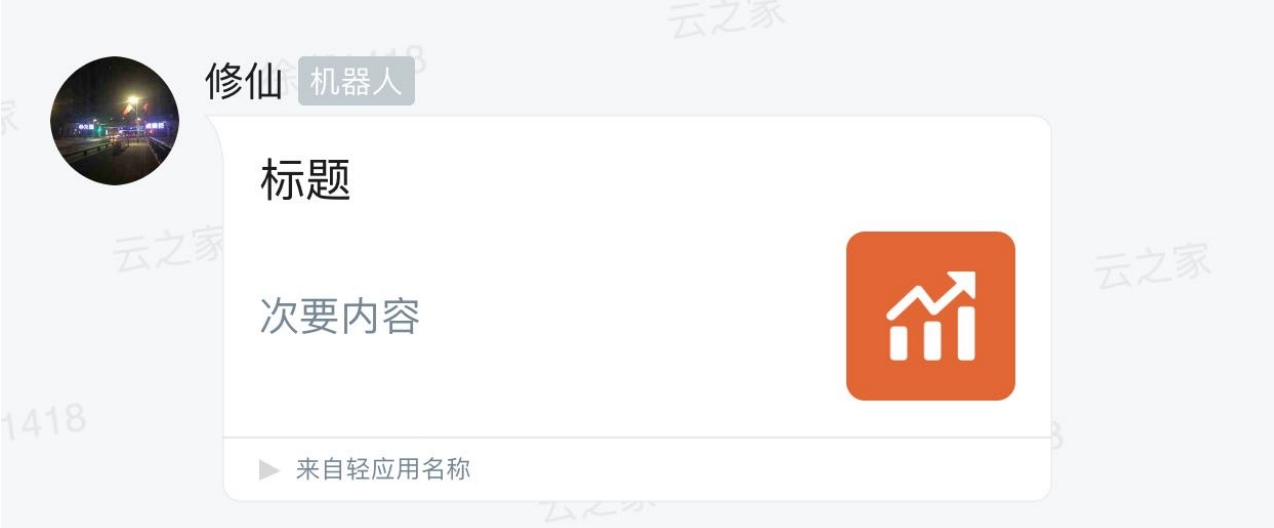
1.默认类应用展示样式的消息格式
{
  "content":"消息列表预览内容",
  "msgType":1,   // 消息类型:应用类
  "param":{
    "appName":"轻应用名称",
    "title":"标题",
    "lightAppId":"10619",   // 轻应用id
    "thumbUrl":"http://do.yunzhijia.com/mcloud/download.action?filename=10650.png&type=1&t=1524560710000_4204", //缩略图url
    "webpageUrl":"https://open.yunzhijia.com/openplatform",    // 跳转地址
    "customStyle":0,    // 消息显示样式:0:原始应用消息样式
    "content":"次要内容"
  }
}
效果:
2.主次内容样式的消息格式
{
  "content":"消息列表预览内容",
  "msgType":1,    // 消息类型:应用类
  "param":{
    "appName":"轻应用名称",
    "title":"标题",
    "lightAppId":"10619",   // 轻应用id
    "thumbUrl":"http://do.yunzhijia.com/mcloud/download.action?filename=10650.png&type=1&t=1524560710000_4204",     // 缩略图url
    "webpageUrl":"https://open.yunzhijia.com/openplatform",    // 跳转地址
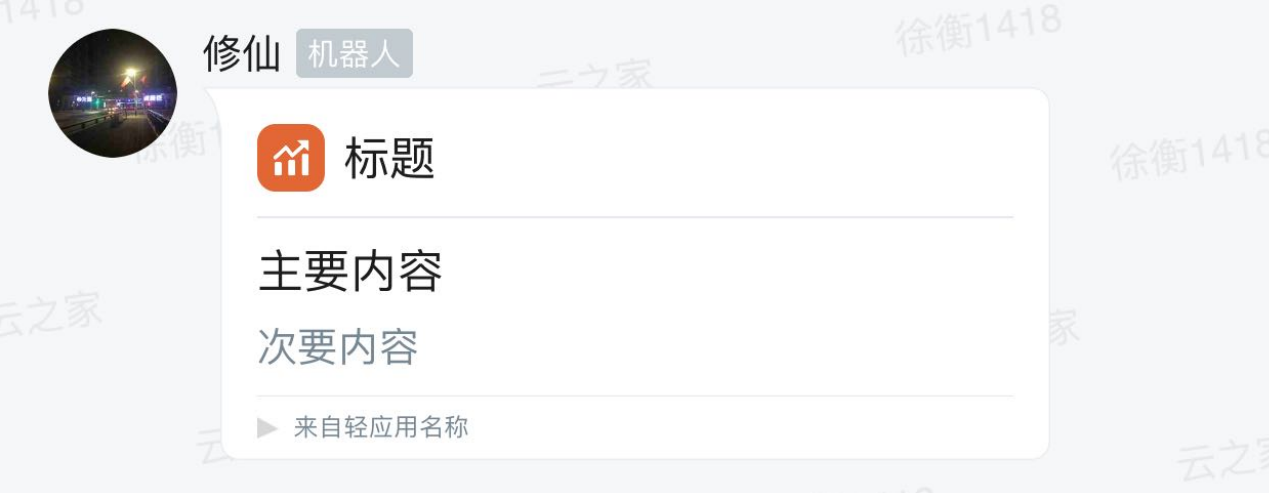
    "customStyle":1,    // 消息显示样式:1:主次内容
    "content":"次要内容",
    "primaryContent":"主要内容"
  }
}
效果:
3.图表样式的消息格式
{
  "content":"消息列表预览内容",
  "msgType":1,//消息类型:应用类
  "param":{
    "appName":"轻应用名称",
    "title":"标题",
    "lightAppId":"10619", //轻应用id
    "thumbUrl":"http://do.yunzhijia.com/mcloud/download.action?filename=10650.png&type=1&t=1524560710000_4204", //缩略图url
    "webpageUrl":"https://open.yunzhijia.com/openplatform", //跳转地址
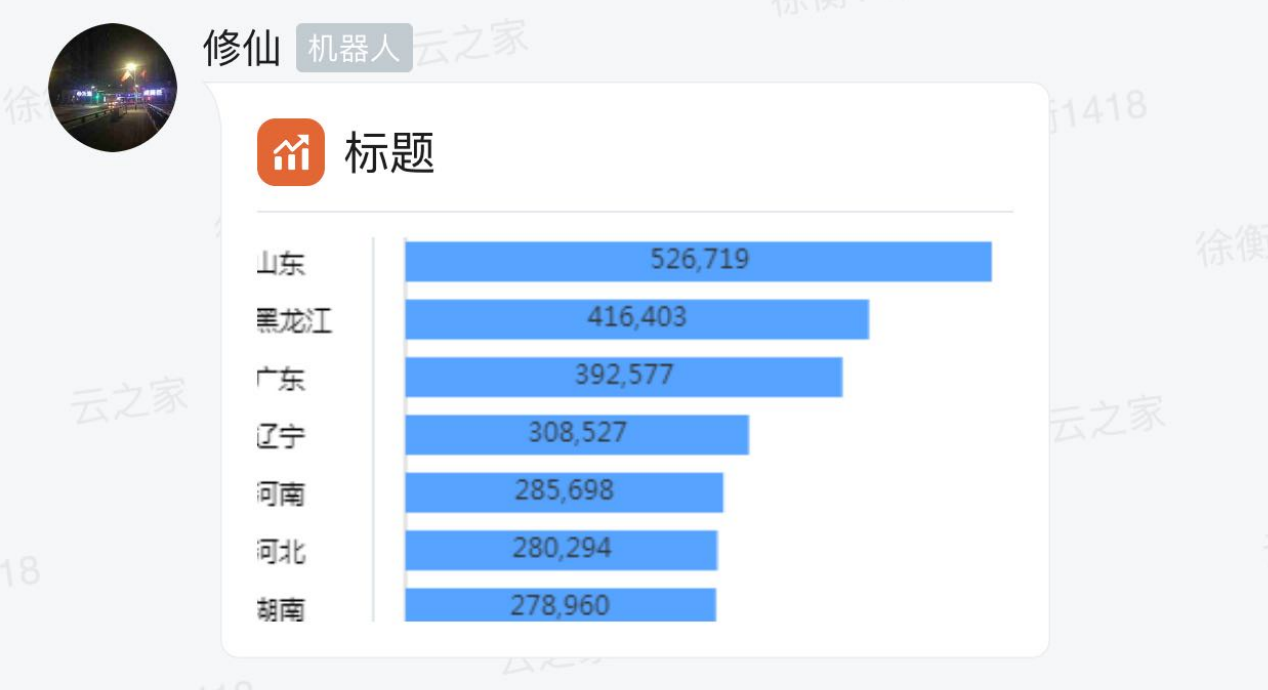
    "customStyle":2, //消息显示样式:2:图表样式
    "contentUrl":"https://q.kingdee.com/qing-lightapp/image/downloadImage?path=2017%2F10%2F27%2Fbc24777f-c53f-4125-bc9d-a4f3abff3f5a.png" //消息页中的图片地址
  }
}
效果: